How to Update or Edit My Profile Details?
How to Update Your VisitLocal Profile
Follow these simple steps:
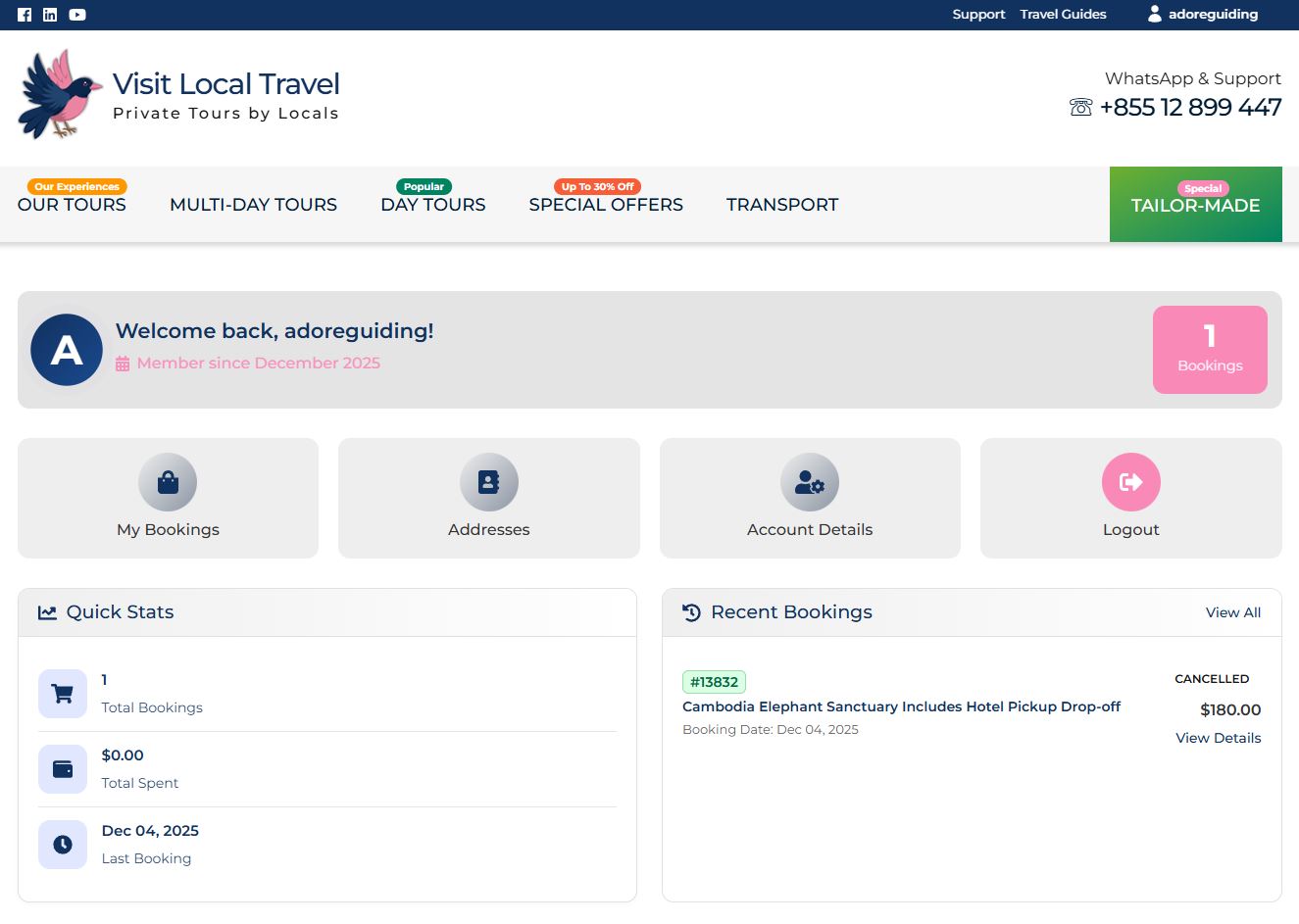
- Log in to your Pelago account.
- Click on “Account Details”.
- Make the changes you need.
- Click “Save Change” to update your details.
What Can You Update?
You can easily edit the following information in your profile:
- First Name
- Last Name
- Display Name
- Password
Need to change your email?
For security reasons, please contact us directly for assistance with updating your email address.
Your Privacy is Our Priority
We are committed to protecting and respecting your personal data. You can learn more by reading our Privacy Policy.